How to Improve Your Reaction Time in Gaming (The Science-Backed Way)
You’re losing gunfights you should win. The enemy spots you first. Your flicks feel sluggish. If this sounds familiar, your reaction time is probably holding you back. And the frustrating part? Most gamers try to fix it with the wrong approach. They spam aim trainers for hours. They buy expensive mice. They drink three energy […] The post How to Improve Your Reaction Time in Gaming (The Science-Backed Way) appeared first on Ten Sports TV.
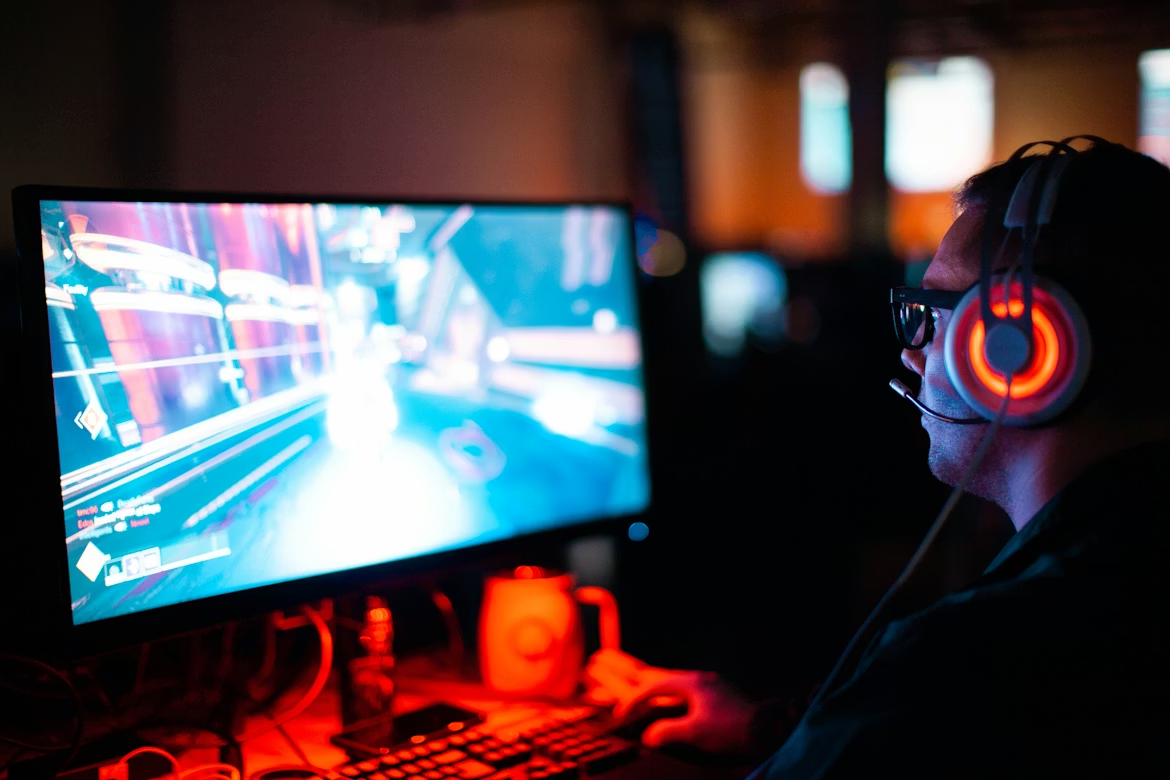
You’re losing gunfights you should win. The enemy spots you first. Your flicks feel sluggish.
If this sounds familiar, your reaction time is probably holding you back. And the frustrating part? Most gamers try to fix it with the wrong approach.
They spam aim trainers for hours. They buy expensive mice. They drink three energy drinks and wonder why their hands shake during clutch moments.
Here’s what actually works: A combination of hardware optimization, smart training, and surprisingly simple lifestyle changes that pro players have been using for years.
Let’s break down the real science behind reaction time and how you can shave 20-50 milliseconds off your responses in games like Valorant, CS2, or Call of Duty.
Understanding What Reaction Time Actually Means
Most people think reaction time is just how fast you click when you see an enemy. That’s part of it, but it’s incomplete.
Your brain goes through three stages: Recognizing the stimulus (enemy appears), processing what to do (aim and shoot), and executing the motor response (hand moves, finger clicks). The entire process takes about 200-250 milliseconds for average gamers.
Professional players? They’re hitting 150-180ms consistently. That’s not superhuman genetics—it’s trained neural pathways and optimized everything else.
The good news is that reaction time improves with practice through something called neuroplasticity. Your brain literally rewires itself to recognize patterns faster. Every time you play, you’re building myelin around the neurons that fire during those clutch moments.
But here’s the catch: If you’re sleeping four hours a night and your monitor is running at 60Hz, no amount of practice will get you to pro levels.
The Hardware That Actually Matters
Let’s talk about input lag—the delay between when you move your mouse and when that movement shows up on screen.
A 60Hz monitor refreshes the image 60 times per second. A 240Hz monitor does it 240 times. That difference alone cuts your perceived lag by 50-100 milliseconds. When most gunfights are decided in under 300ms, this isn’t a luxury. It’s essential.
I’ve tested dozens of setups, and the jump from 60Hz to 144Hz is immediately noticeable. Going from 144Hz to 240Hz? Less dramatic but still valuable for competitive play. Anything above 240Hz shows diminishing returns unless you’re already in the top 1% of players.
Your mouse matters too, but not the way you think. A gaming mouse with 1000Hz polling rate (reporting position 1000 times per second) reduces latency to under 1 millisecond. Going to 8000Hz sounds impressive, but you won’t feel the difference unless you’re a pro player.
What does matter is finding the right sensitivity. Most pros in tactical shooters use 400-800 DPI with low in-game sensitivity. Why? Smooth, controlled movements beat twitchy chaos every time.
Network stability is the silent killer. Wireless internet adds 10-50ms of jitter. Ethernet keeps you under 20ms ping with zero packet loss. In games like Rainbow Six Siege where peekers advantage exists, that stability means you see enemies 30-40ms earlier than they see you.
Setup Optimization You’re Probably Ignoring
Desk height controls everything. If your elbow isn’t at 90-100 degrees, your arm fatigues faster and your micro-adjustments suffer.
Large mouse pads (at least 450mm wide) let you make sweeping movements without lifting. When you’re tracking an enemy strafing across your screen in Apex Legends, that continuous motion beats picking up your mouse three times.
Room temperature affects hand dexterity more than most people realize. Professional esports facilities keep rooms at 68-72°F. Your hands slow down when they’re cold, and they get sweaty and imprecise when they’re too warm.
Lighting deserves attention too. Dim ambient light reduces eye strain during long sessions. Harsh overhead lights or sunlight glaring on your screen forces your eyes to constantly adjust, adding milliseconds to visual processing.
Training Methods That Work (And Why Most Don’t)
Aim trainers like Kovaak’s and Aim Lab are useful, but only if you use them correctly.
Concentrated practice beats marathon sessions. Two hours of focused drills where you’re actively trying to improve specific skills (tracking, flicking, target switching) builds muscle memory faster than six hours of mindless clicking.
The key is tracking your consistency, not your peak performance. Anyone can get lucky and hit a 140ms reaction time once. Professionals average 155ms because they’ve eliminated variance through thousands of repetitions.
Game-specific practice matters more than generic drills. If you play CS2, spending an hour in deathmatch servers where you’re reacting to real player movement patterns beats sterile aim trainer scenarios. Your brain learns to recognize the specific animations and timings of that game.
Movement reading is an underrated skill. Top players don’t just react—they predict. By recognizing animation cues 150ms before an enemy fully peeks a corner, they’re already pre-aiming. This turns a 200ms reaction into a 50ms adjustment.
The Lifestyle Factors Nobody Talks About
Sleep isn’t negotiable. Every hour under eight hours of sleep costs you 4-6 milliseconds of reaction time. After a week of six-hour nights, you’re effectively playing 30-40ms slower than your potential.
Your brain consolidates practice into automatic responses during deep sleep. Those flick shots you practiced for two hours? They only become muscle memory if you sleep properly afterward.
Hydration affects cognitive function faster than you’d expect. Even mild dehydration (2% body weight) slows processing speed by 10-15%. Keep water nearby and actually drink it between rounds.
Caffeine works, but there’s a window. 200mg (roughly one strong coffee) improves alertness and reaction time by 10-20ms. More than that and you get jittery, which destroys fine motor control. Less than that and you might as well drink decaf.
The Testing Problem (And How to Solve It Safely)
Here’s where things get tricky. You want to test different hardware setups or tweak your system for maximum performance. Maybe you’re trying a new 360Hz monitor or adjusting polling rates.
Modern anti-cheat systems flag hardware changes. They monitor your system’s unique identifiers (HWID), and sudden changes look suspicious. Testing legitimate optimizations on your main account risks triggering false positives.
This is where an HWID changer and spoofer at Battlelog becomes useful. It lets you create isolated testing environments on alternate accounts without risking your main profile. You can benchmark that new mouse, test different DPI settings, or verify your network optimizations—all while keeping your primary account completely separate.
Once you’ve confirmed your setup improvements actually work, you can apply them to your main account with confidence.
What the Pros Actually Do
Professional players in Valorant Champions tournaments average 155ms reaction times, but that’s not the full story. They train 6-8 hours daily, with about 40% dedicated to pure aim drills and the rest to game sense and strategy.
Their setups are optimized obsessively: 360Hz monitors, mice with 8000Hz polling, mechanical keyboards with sub-1mm actuation points, and wired everything. They also work with mental performance coaches to enter flow states faster.
Flow state—that feeling of complete immersion where everything clicks—reduces cognitive load and improves reaction time by 10-15%. It’s not mystical. It’s about eliminating distractions and building enough familiarity with the game that responses become automatic.
Making It All Work Together
Improving reaction time isn’t about one magic solution. It’s about stacking small advantages.
Start with the basics: Get a 144Hz+ monitor if you don’t have one. Use Ethernet. Set up your desk properly. Sleep eight hours.
Then layer in focused practice. Use Human Benchmark to establish your baseline reaction time. Train specific scenarios in Aim Lab for 90 minutes daily. Play your main game deliberately, focusing on reading opponent movement instead of just clicking heads.
Track everything. Your average reaction time. Your consistency. How different amounts of sleep or caffeine affect your performance. What works for pros might not work for you.
The players who improve fastest aren’t the ones grinding 12 hours a day. They’re the ones who optimize deliberately, measure objectively, and give their brains time to adapt through proper recovery.
Your competition is doing the same thing. The question is whether you’ll do it better.
The post How to Improve Your Reaction Time in Gaming (The Science-Backed Way) appeared first on Ten Sports TV.
This article has been sourced from various publicly available news platforms around the world. All intellectual property rights remain with the original publishers and authors. Unshared News does not claim ownership of the content and provides it solely for informational and educational purposes voluntarily. If you are the rightful owner and believe this content has been used improperly, please contact us for prompt removal or correction.